Version 3.0+
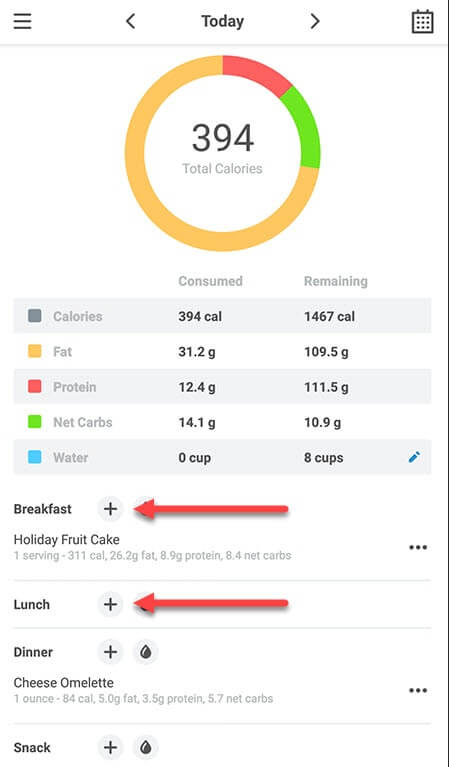
- Tap the yellow + button on the home screen or any + button on tracker screen:
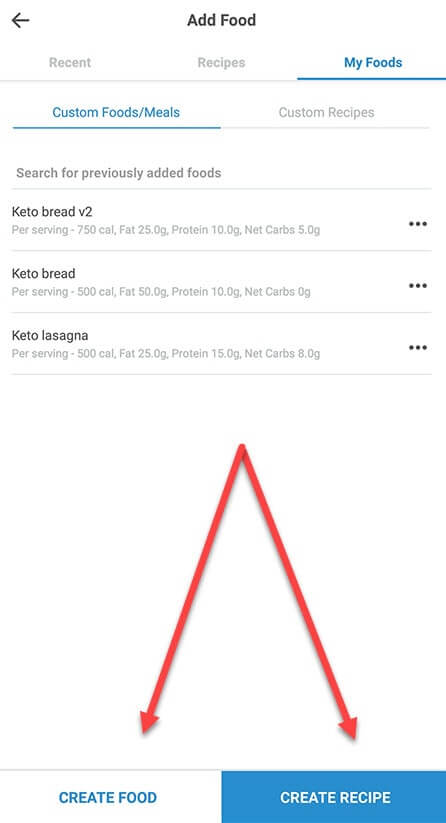
- Switch to the My Foods tab and press the Create Food or Create Recipe button:
- Fill in the fields and tap the checkmark to finalize your new custom food or recipe:
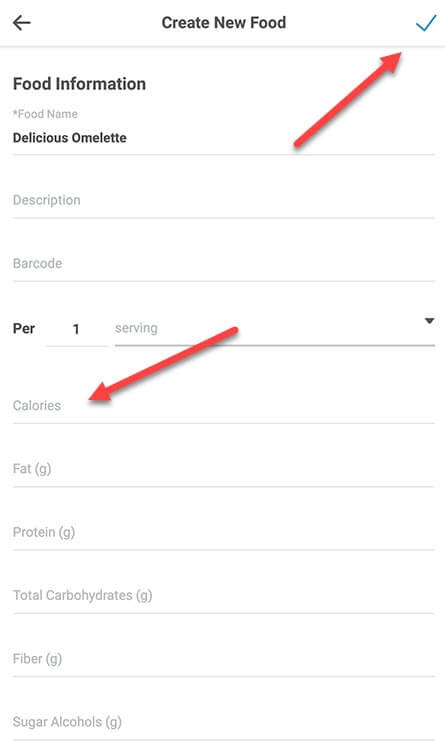
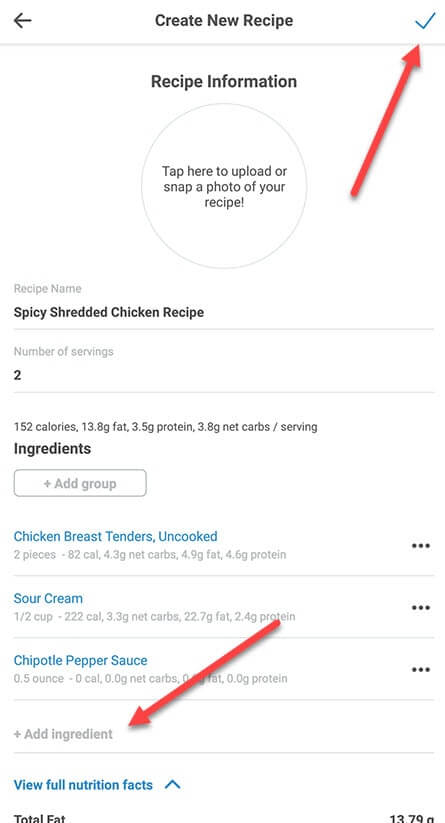
- You can choose to save the food or save and log it immediately upon tapping the checkmark.
Version 2.5.3
To create your own custom food:
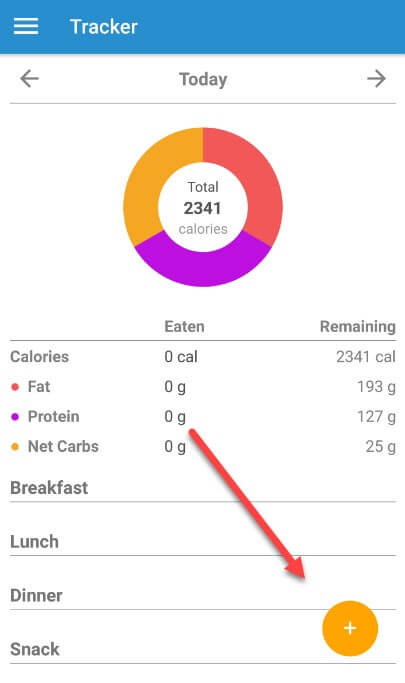
- Tap the orange + button on the home screen or tracker screen:
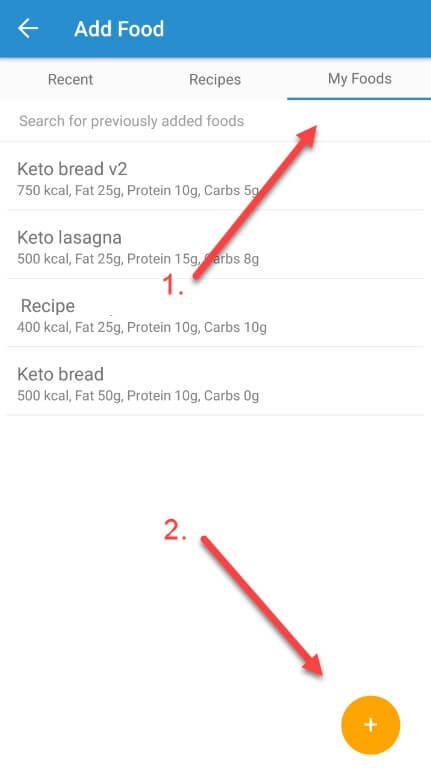
- Switch to the My Foods tab and press the orange + button again:
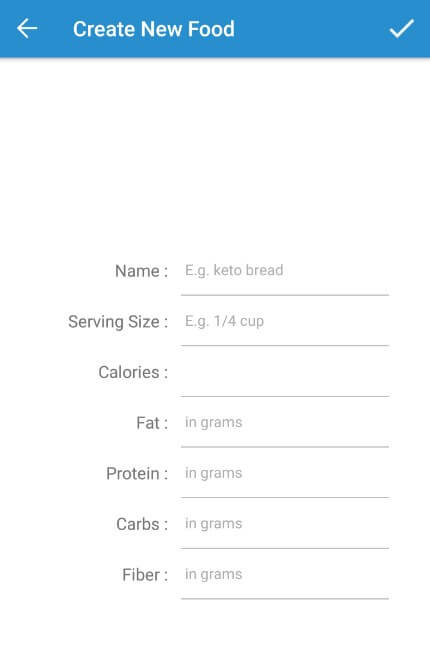
- Fill in all the fields and tap the checkmark to finalize your new custom food: