You can update your goals either by re-entering your information in the nutrition calculator or by manually entering the values. Here's how:
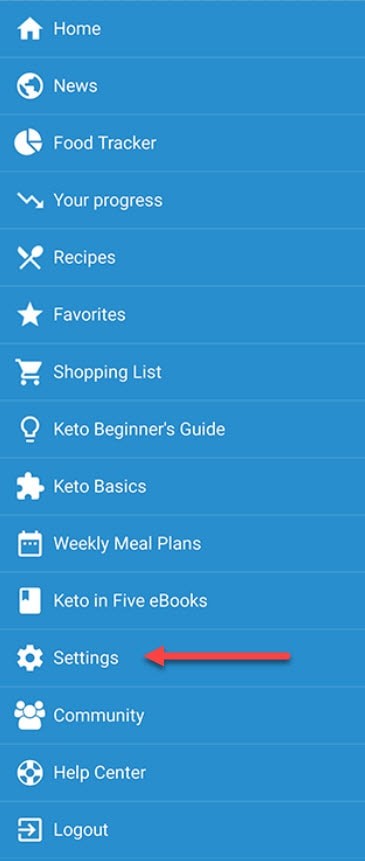
- Go to the menu by tapping the icon in the top left corner of the app and selecting Settings:
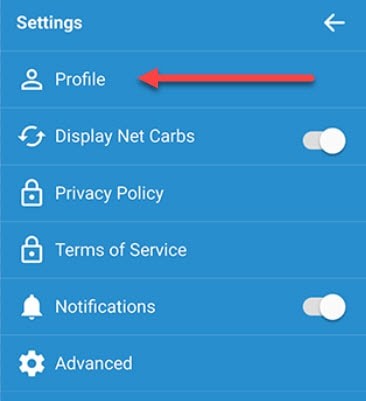
- Then, select Profile:
- Then, tap the pencil icon to the right of Your daily goal:
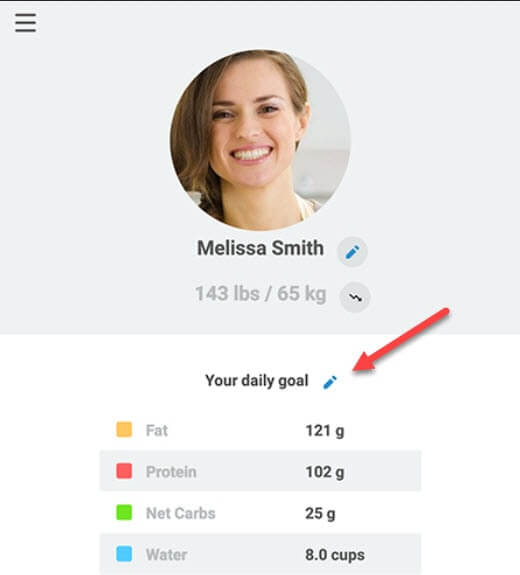
- Select Recalculate or Edit Manually depending on your preference.
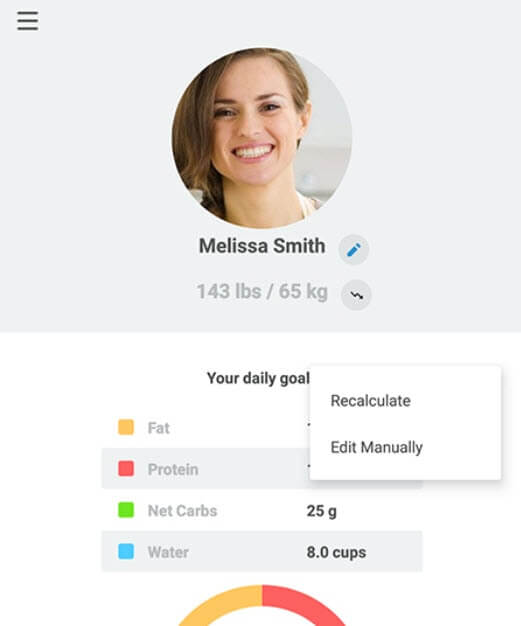
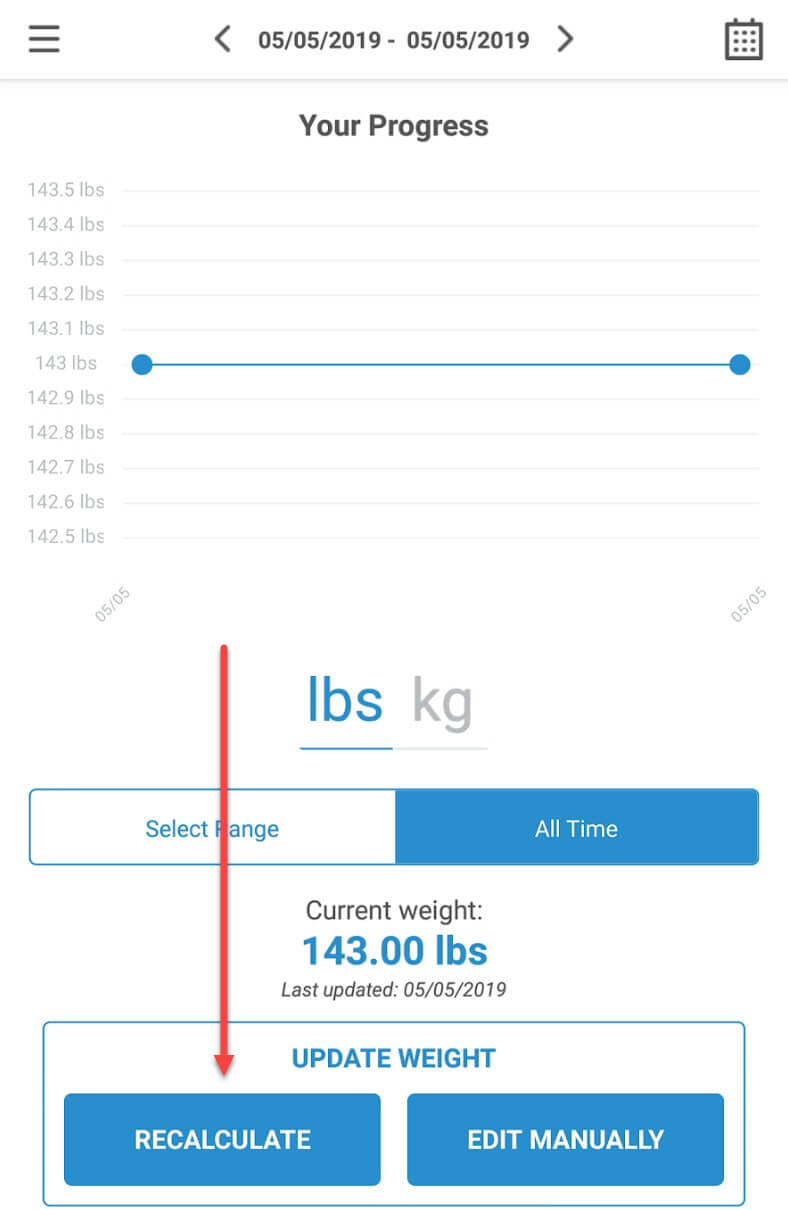
You can also visit the Your Progress screen and tapping the Recalculate button on that screen.
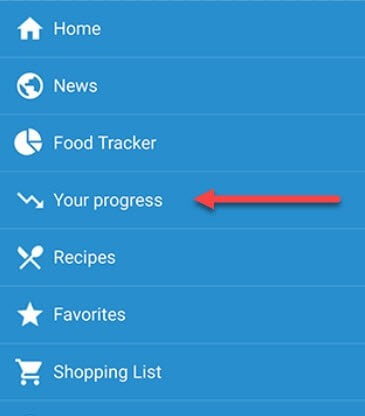
- Go to the menu by tapping the icon in the top left corner of the app and selecting Your Progress:
- Select Recalculate: